What your guests see.
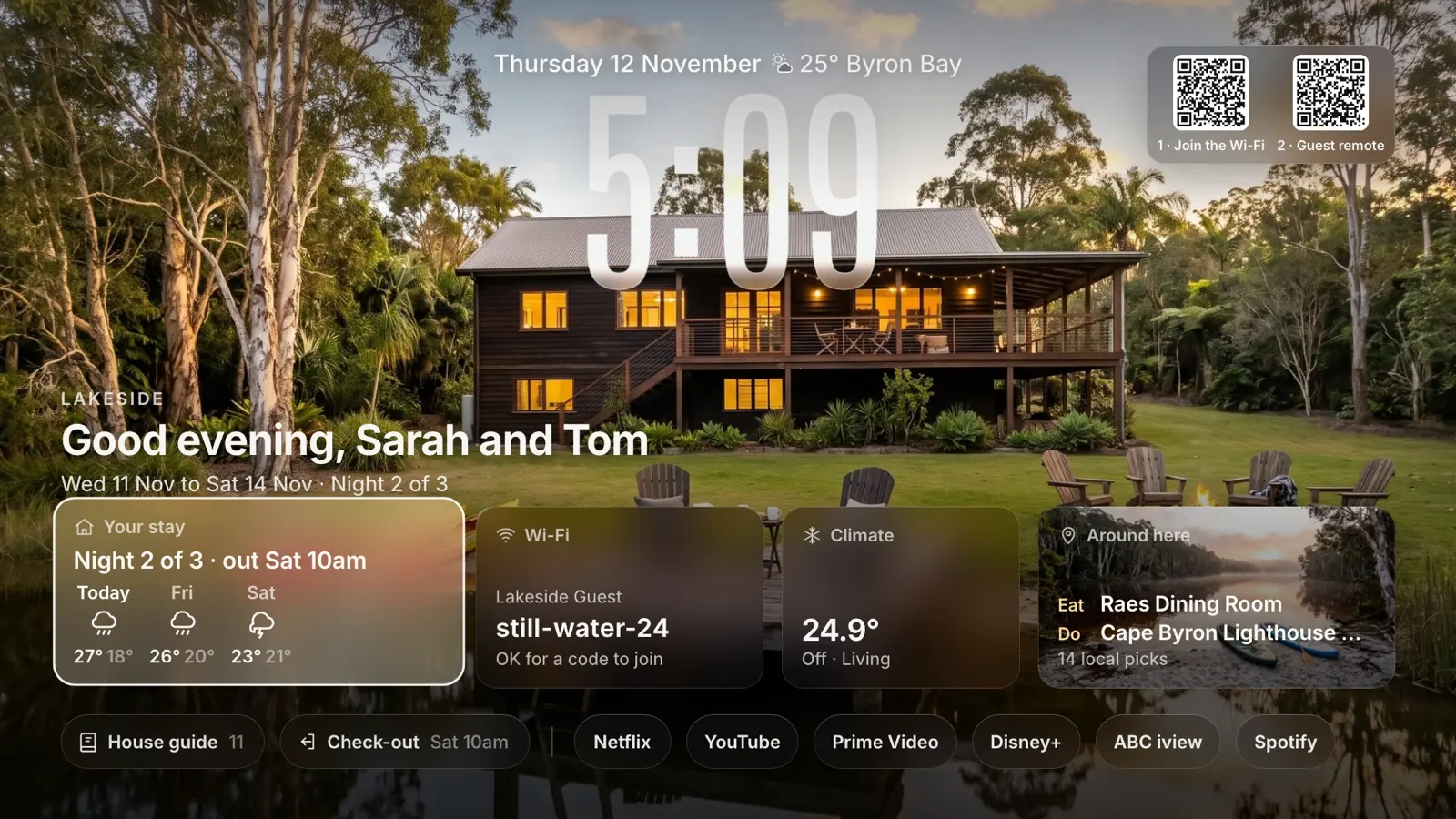
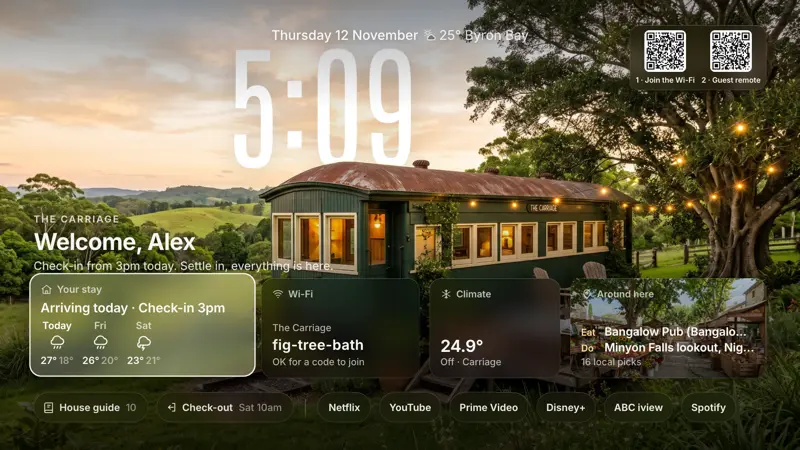
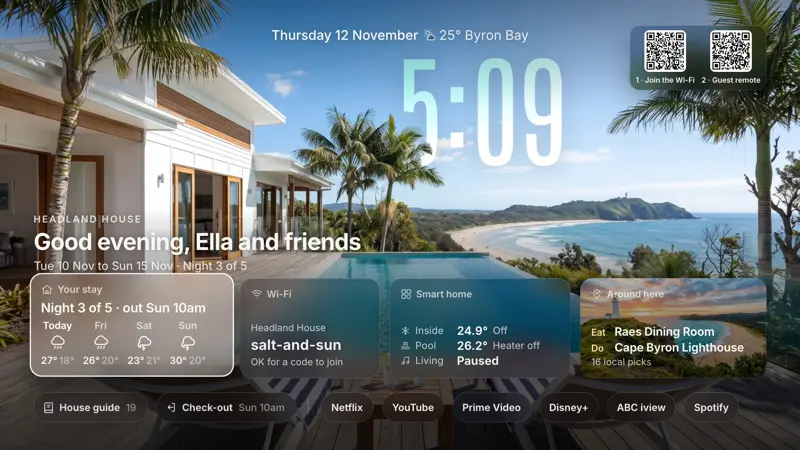
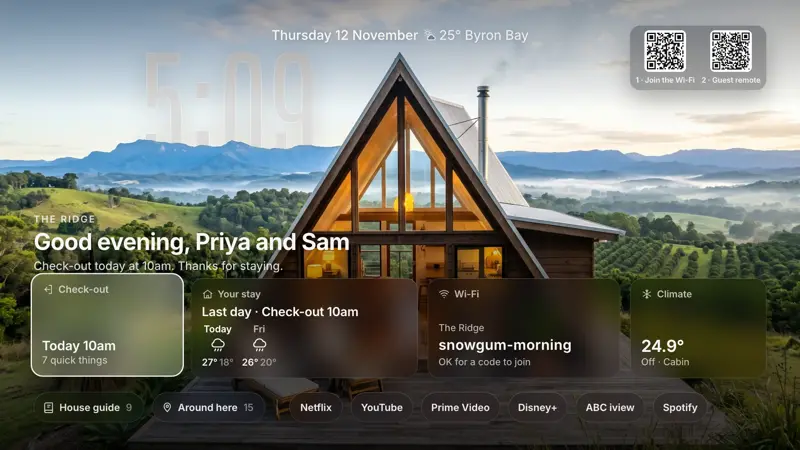
Two layouts, one setup. A stay for an Airbnb or holiday home, with their name, dates, door code and check out steps. A guest room for friends and family, with none of that.
On the TV
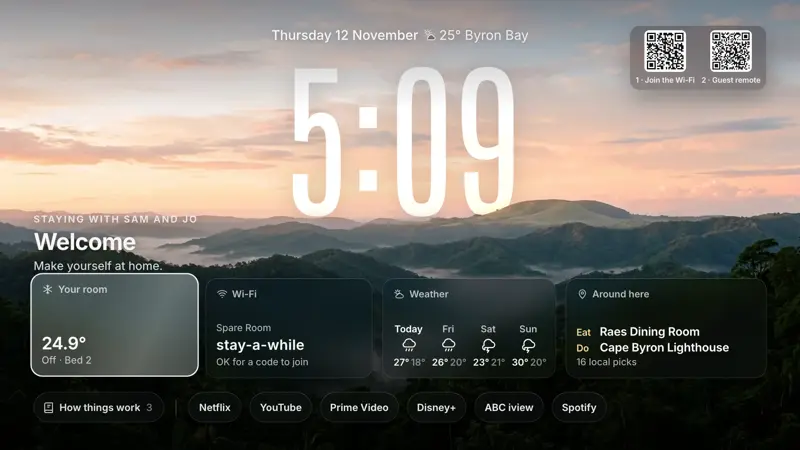
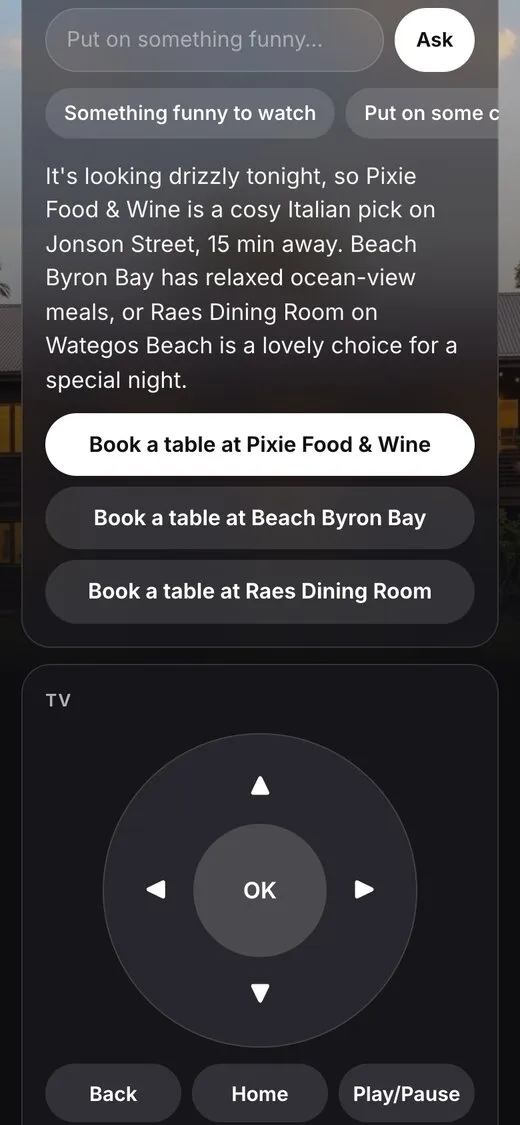
The welcome screen sits behind a big glass clock: your photo, the weather, the Wi-Fi with a code to join, a code for the Guest remote, the house guide, local picks and the TV's real apps. Guests drive it with the TV remote or their phone.
On their phone
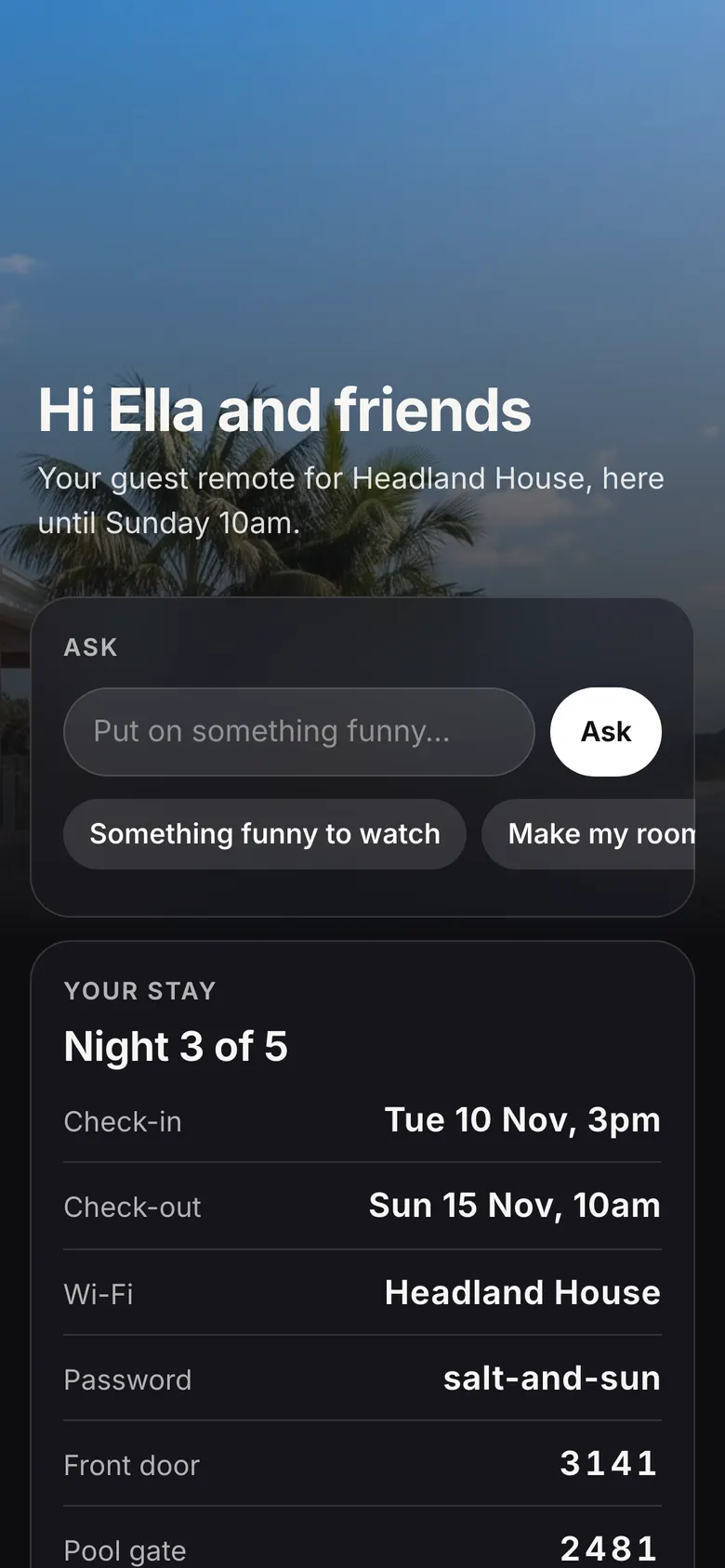
The Guest remote opens from the code on the TV, in the phone's browser, and only works on your Wi-Fi. During a stay it also holds the dates, the Wi-Fi, the door codes, the house rules and the check out steps.
What guests can control
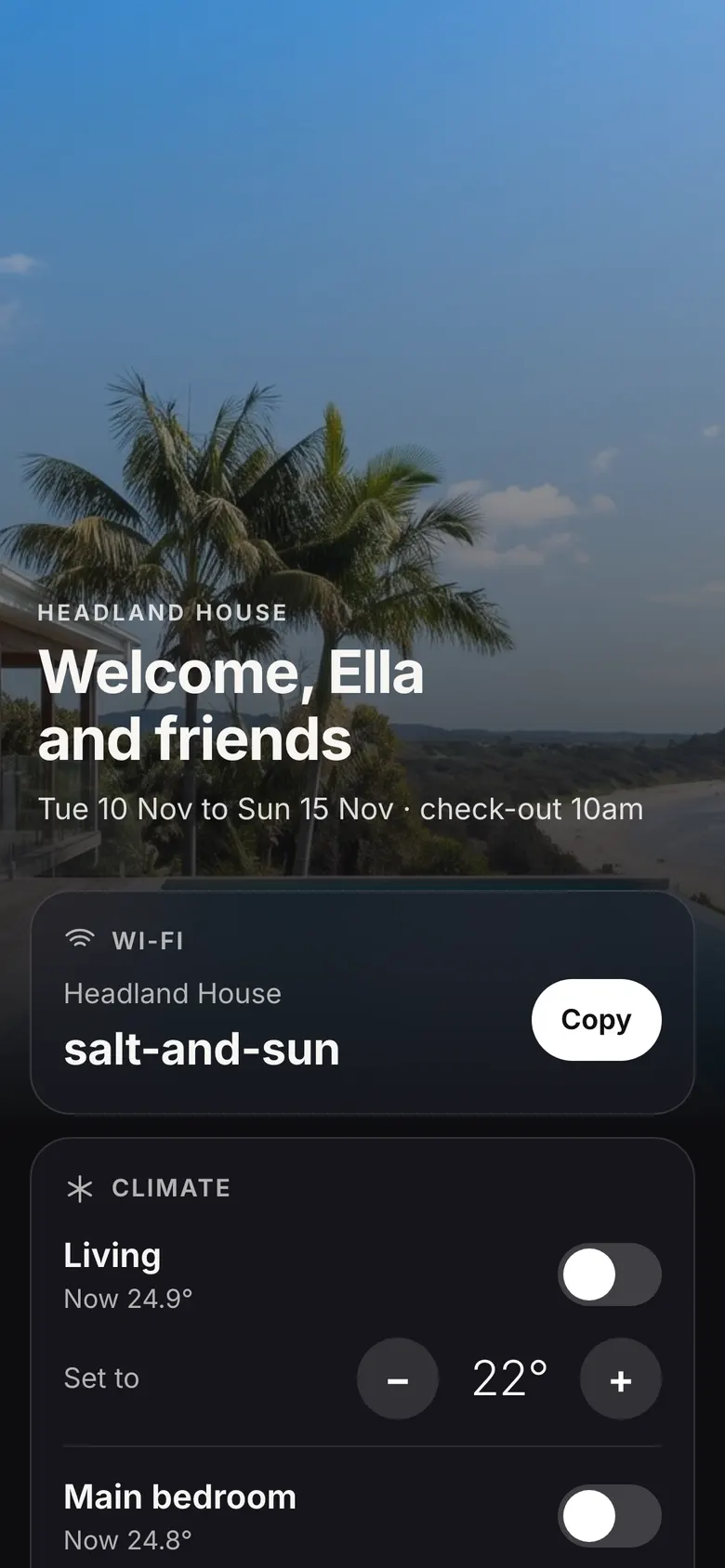
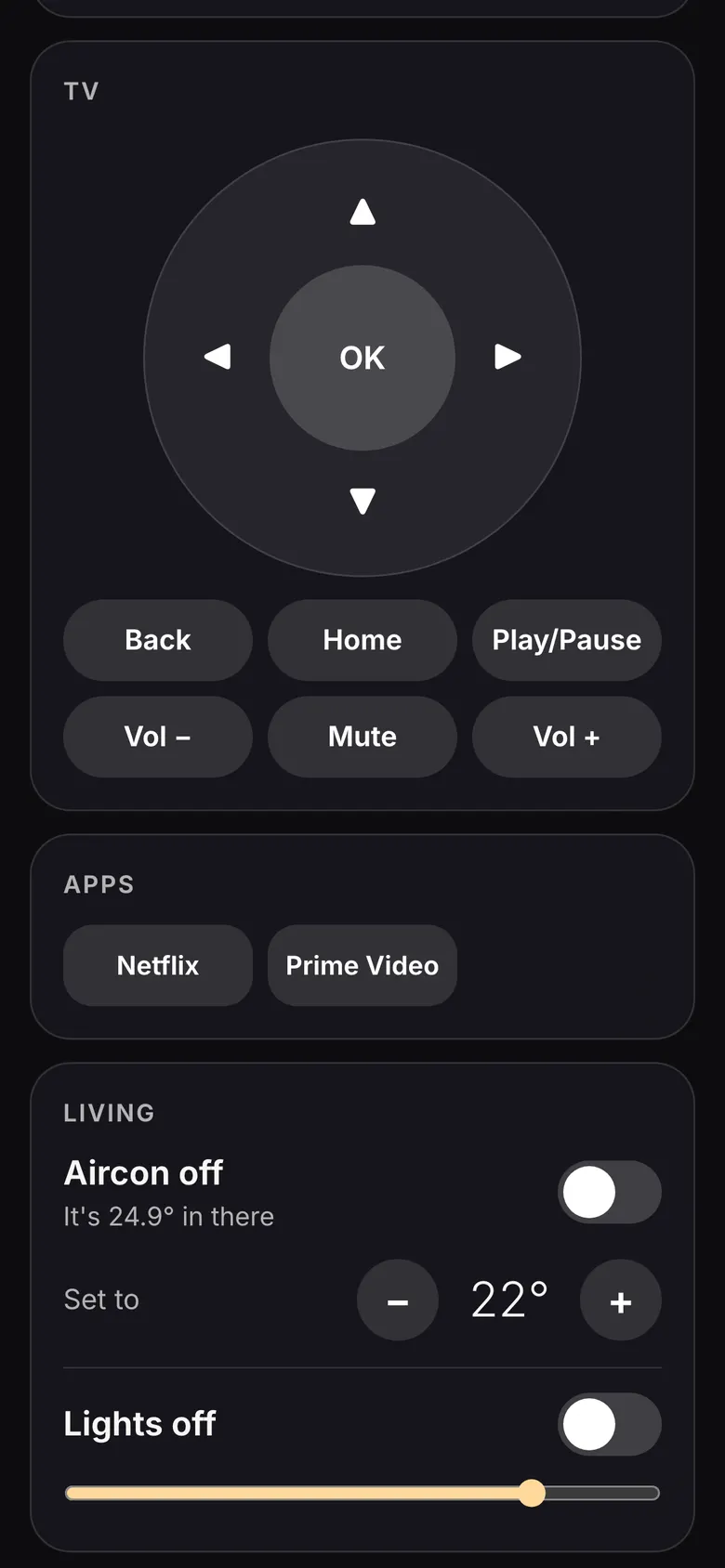
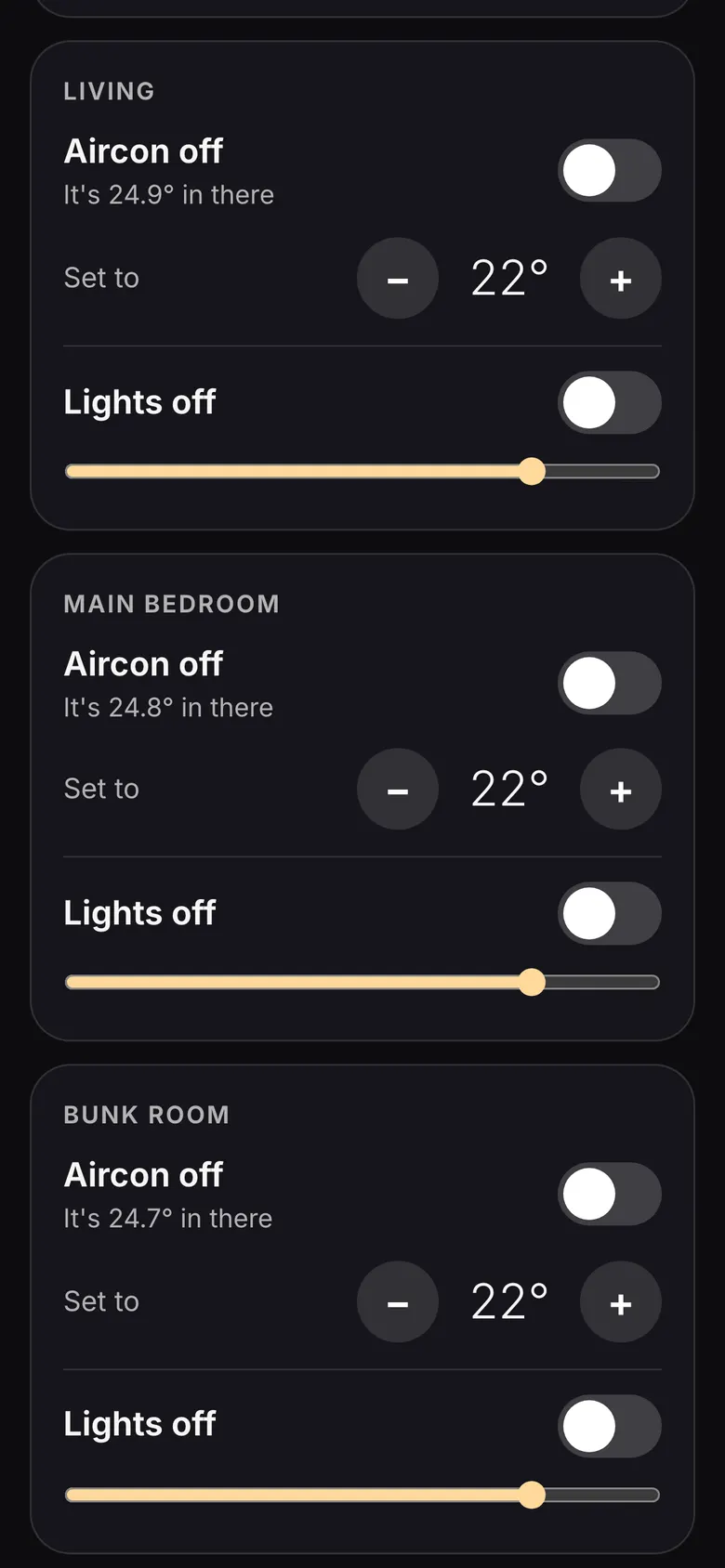
The TV always. The rest only if you set it up, and per device you choose: their room, the whole place, a list of rooms, or none.
- AirconAirTouch 5 on your Wi-Fi. Other aircon can be added as your own Home Assistant button at the Plus level.
- LightsHome Assistant (Hue, LIFX, TP-Link, Govee, Nanoleaf and most others) or Philips Hue direct.
- PoolGuests always see the water temperature. The heater only if you allow it.
- SpeakersPlay, pause, next and volume through Home Assistant (Sonos, Google and Nest, Bose, HEOS). What plays is up to them.
- Anything elseYour own buttons at the Plus level.
How much the helper may do
Whatever the helper can do, a guest can try to talk it into. So you choose, and the code checks every request.
Locked
The default. The TV, music, the devices and rooms you picked, the weather and your area. Book a table opens the restaurant's own page and the guest books it.
None outside that list. The AI has no tools at all: it picks from a short menu and the code checks every pick.
Plus
Locked, plus your own buttons: a webhook (n8n, Zapier, Home Assistant) or a Home Assistant script, with a Confirm tap if you want one.
Only what your buttons do.
Open
Plus, web search and any tools you plug in. It can book a table: it fills in the restaurant's booking page after they check the card and tap Book it.
A clever guest can get it to do anything those tools can do. It also uses more of your Claude plan.
Your details stay at your place.
Wi-Fi, door codes, guest names and tokens sit in one private file on your computer, kept out of git. There is no Guest TV server or account. What a guest types in the Ask box goes to Claude through Claude Code, on your own plan.
A few more touches
- A new remote link for every bookingIt only answers with the code from the TV, and it stops at check out. Anyone on your Wi-Fi who scans the TV can use it, so put guests on a guest network if you can.
- Names from Airbnb's booking emailsForward them into a folder, or let it read your mailbox read only with an app password. A name you type in always wins.
- Guest profilesWhen a guest opens Netflix, Stan, Prime Video or Disney+, the TV picks the Guest profile, so your watch history stays yours. Google TV and Android TV.
- Your own photoSwap the demo photos for your place, inside and the area. A wide photo looks best.
- A house guide written for youGive it your notes and your area. It leads with places to eat and things to do, checks each place on the web and never invents a phone number. Read it before guests do.
- Film modeFilming your setup? Your name and Wi-Fi are swapped for demo ones, so nothing private shows on camera.